Select Courbe
Free
Version 1.0.0, October 2026
Languages : English, French
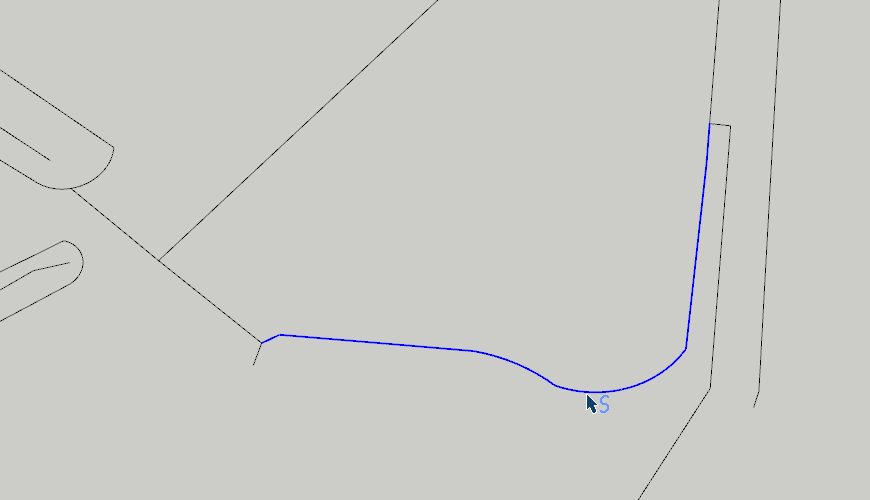
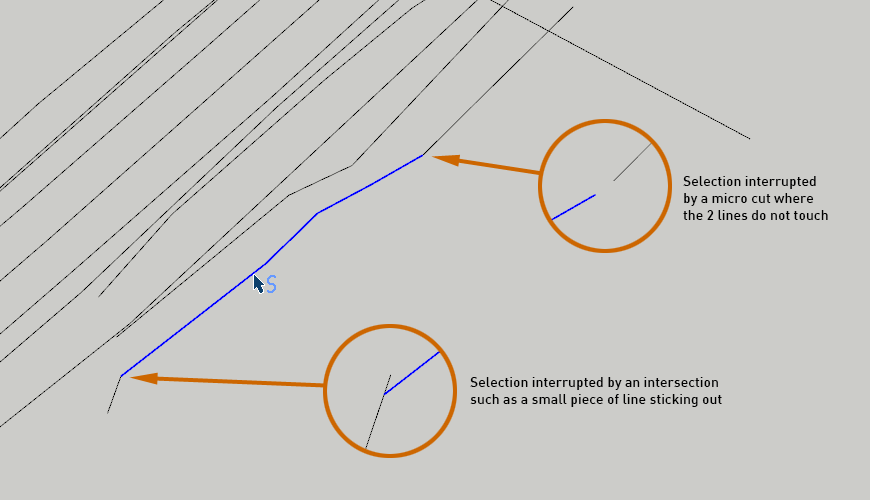
The SelectCourbe extension allows you to select, with a single click, a set of lines forming a continuous curve without interruption or intersections with other lines.
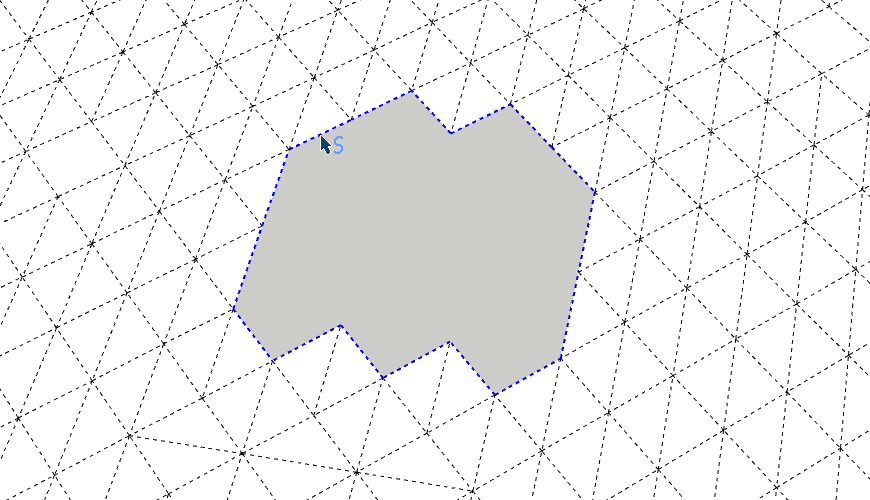
This tool also allows for the selection of the boundaries of a hole within a set of connected faces.
The Select Courbe tool can be found in the SketchUp Tools menu.
After starting the SelectCourbe tool, simply click on one of the lines forming the curve to be selected.
This extension has the same functionalities as the Sketchup selection tool (Ctrl to add the curve to an existing selection, Shift to invert the selection of the curve and Ctrl+Shift to remove the curve from the selection).
∇ Selection of a curve
∇ The extremes of the selection
∇ Select the outline of a hole