Place on the field
Free
Version 1.1.2, December 2025
Languages : English, French
This extension moves the selected objects vertically, to position them on the field.
You can find the Place in the field tool in SketchUp’s Tool menu.
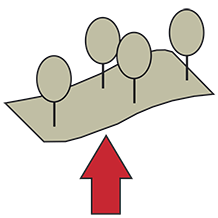
You must start by selecting the components or groups that you want to move before launching the Place in the field command. Then execute the Place in the field command. Finally, click on the field on which the objects are to be positioned
Note: Objects are positioned on the field based on the origin of groups or components. Therefore, it is important to carefully choose the location of axes within the groups and components you are moving.
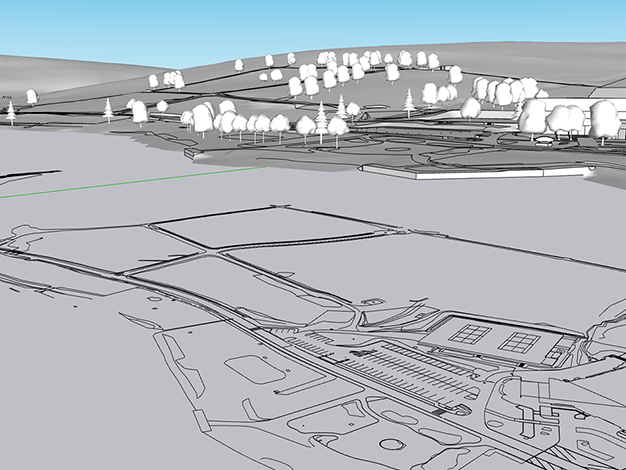
∇ Before the trees were placed on the field.
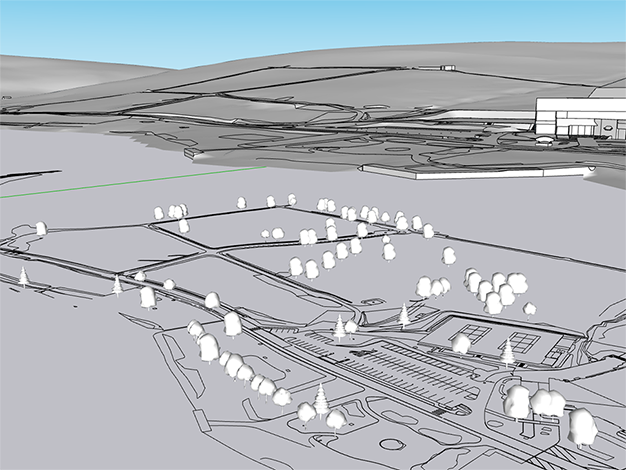
∇ Position of the trees after execution of the Place on the field command